Cocos2d-x is a fantastic game development framework. But using Xcode to build a cocos2d-x game wastes a lot of time because Xcode re-compiles the cocos2d-x source codes every time we build the game. And there are 834 source files! I have googled around but could not find the way to tell Xcode to not recompile all the time.
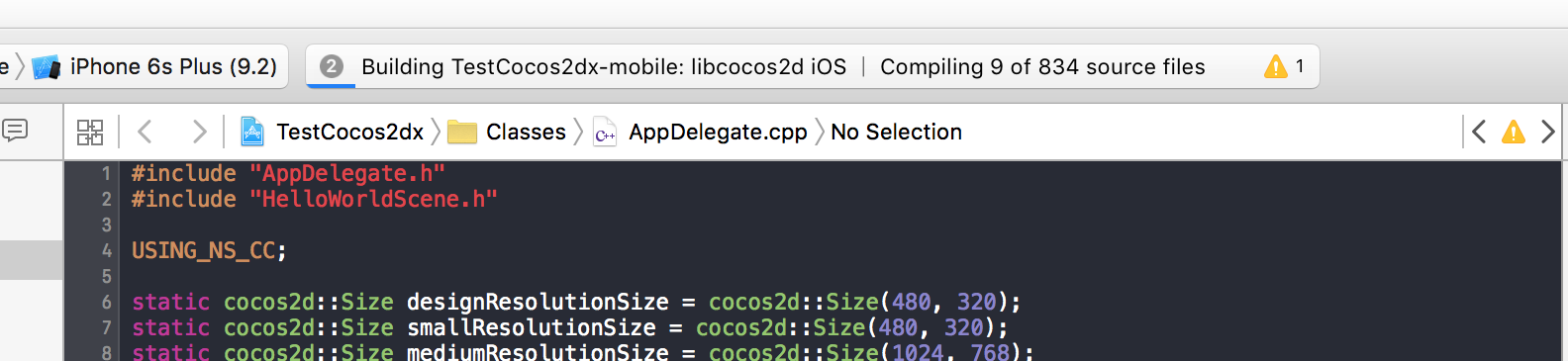
The solution is to create a fat static library of the Cocos2d-x once then use it in any number of our game projects. Here's how to do it.
- First download or clone the cocos2d-x from Github if you haven't done it.
- Go to
<cocos2d-x_directory>/builddirectory. - Create a shell script file using your favorite text editor, let's call it
buildstaticlib.sh, and fill it up with the following code. - Make the script executable.
chmod +x buildstaticlib.sh - Run the script:
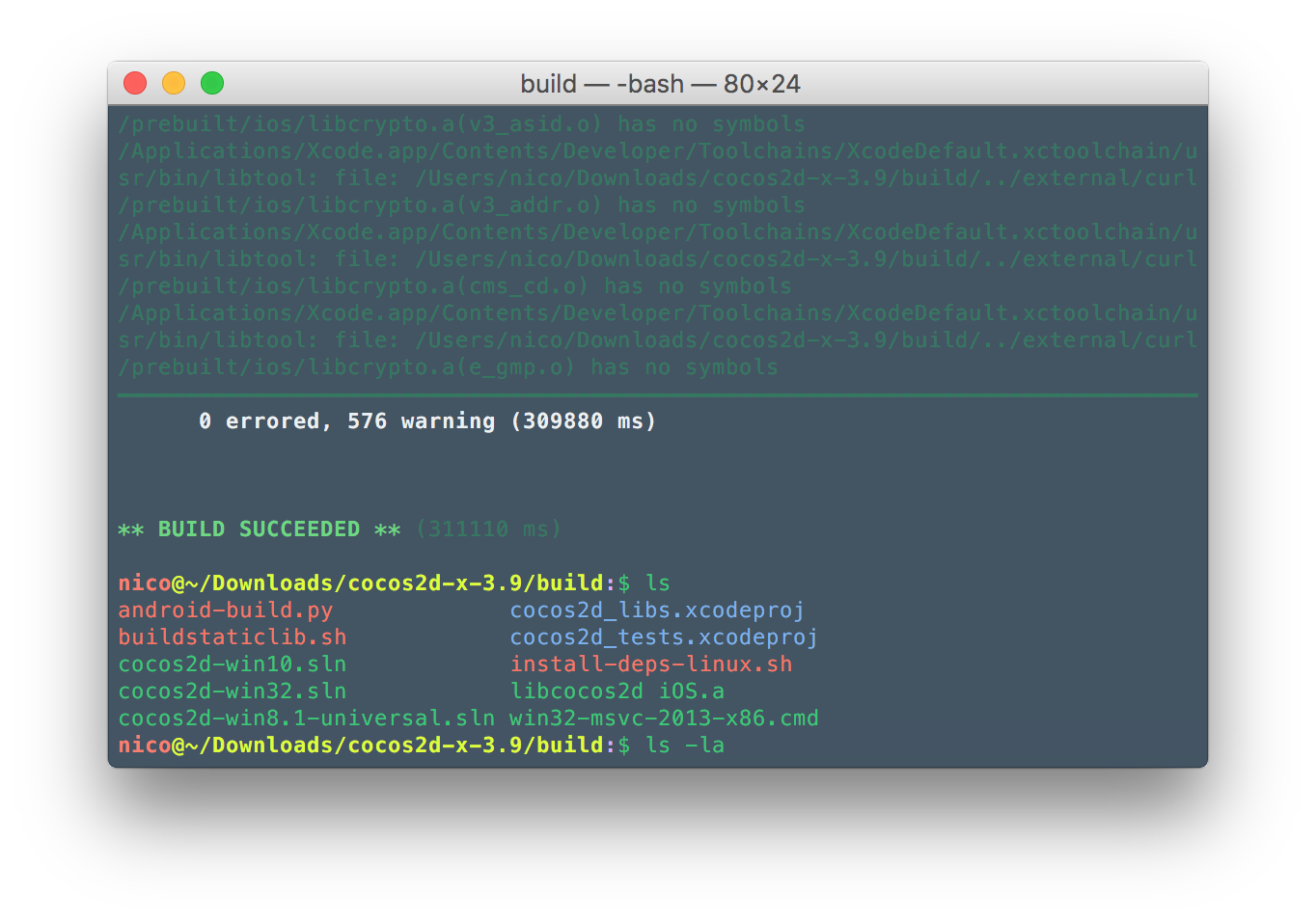
./buildstaticlib.sh cocos2d_libs.xcodeproj "libcocos2d iOS" - Plug the charger of your Macbook then go to the gym or have lunch or something, because it will take quiet some time to create the static library.
- Once the script is completed, you will have a
libcocos2d iOS.afile in the directory, which you can use in all your cocos2d-x projects.
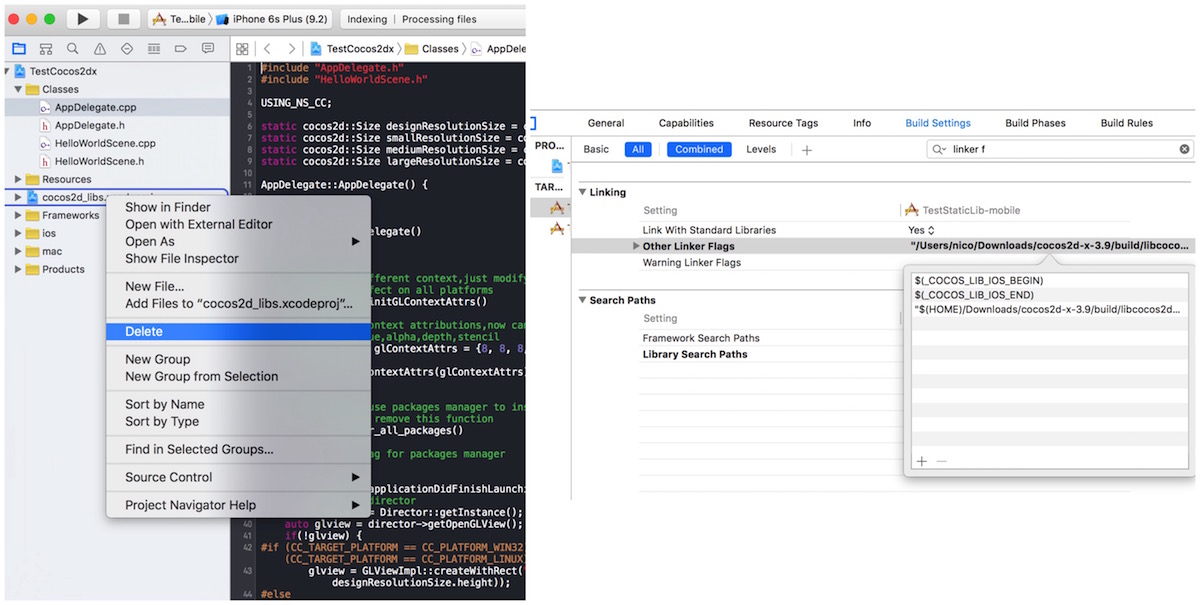
Now that you have the static library, you can delete the cocos2d_libs.xcodeproj from your project. Then go to Build Settings, and add <path_to_libcocos2d iOS.a> to Other Linker Flags.
Build and run your project and enjoy the fast compilation.
PS: If you are using xctool, simply replace all xcodebuild occurrences with xctool.
PPS: You can copy libcocos2d iOS.a to your project folder and commit it to your repo so that your team can build and run the project immediately.